
Account security
Catch AI faces used in fake profiles before they gain trust.
Faces and synthetic media
Screen portraits and face-forward images for synthetic media cues with a free flow.
Faces and synthetic media
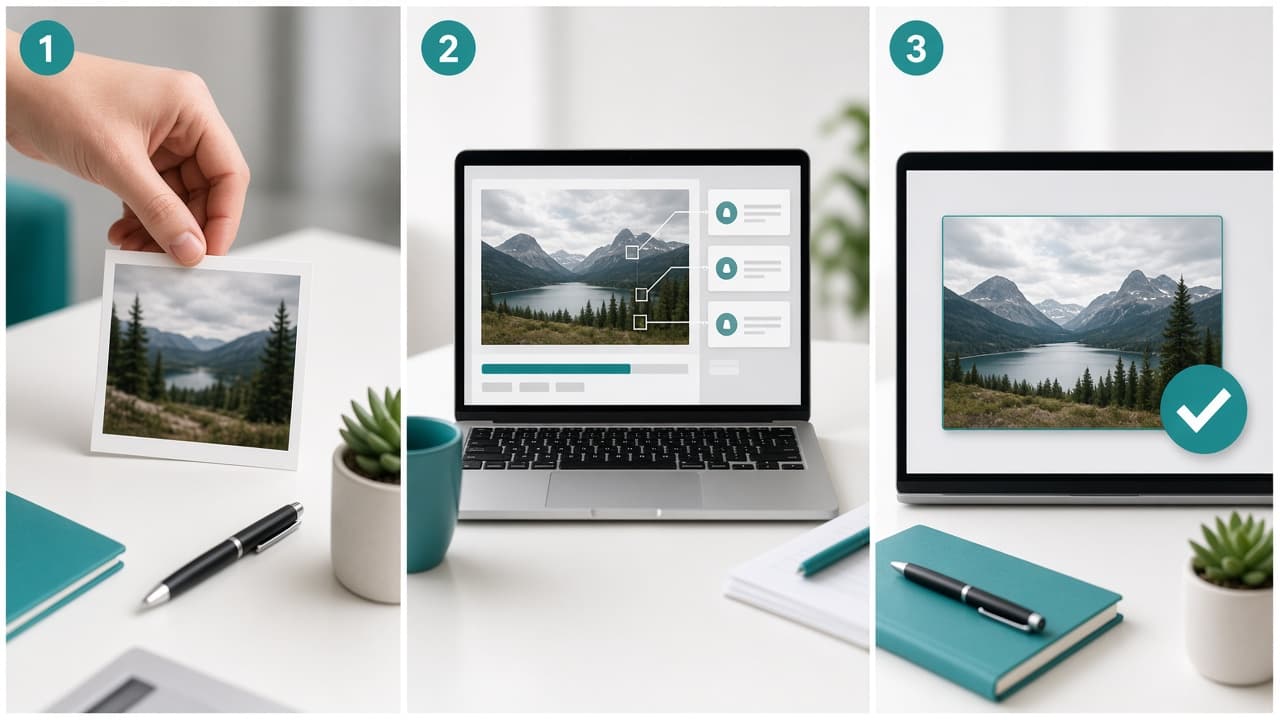
Upload a photo and get an AI likelihood score in seconds. No signup.
Drop an image here, or click to upload
PNG, JPEG, or WebP. Paste works too.
Upload an image on the left. Results will show AI likelihood and supporting signals here.
This page focuses on face-centric risk, from profile photos to identity checks.
Catch AI faces used in fake profiles before they gain trust.
Support KYC and selfie checks with an extra pass.
Investigate suspicious executive or celebrity portrait claims.
Score images quickly so human reviewers can focus on edge cases.
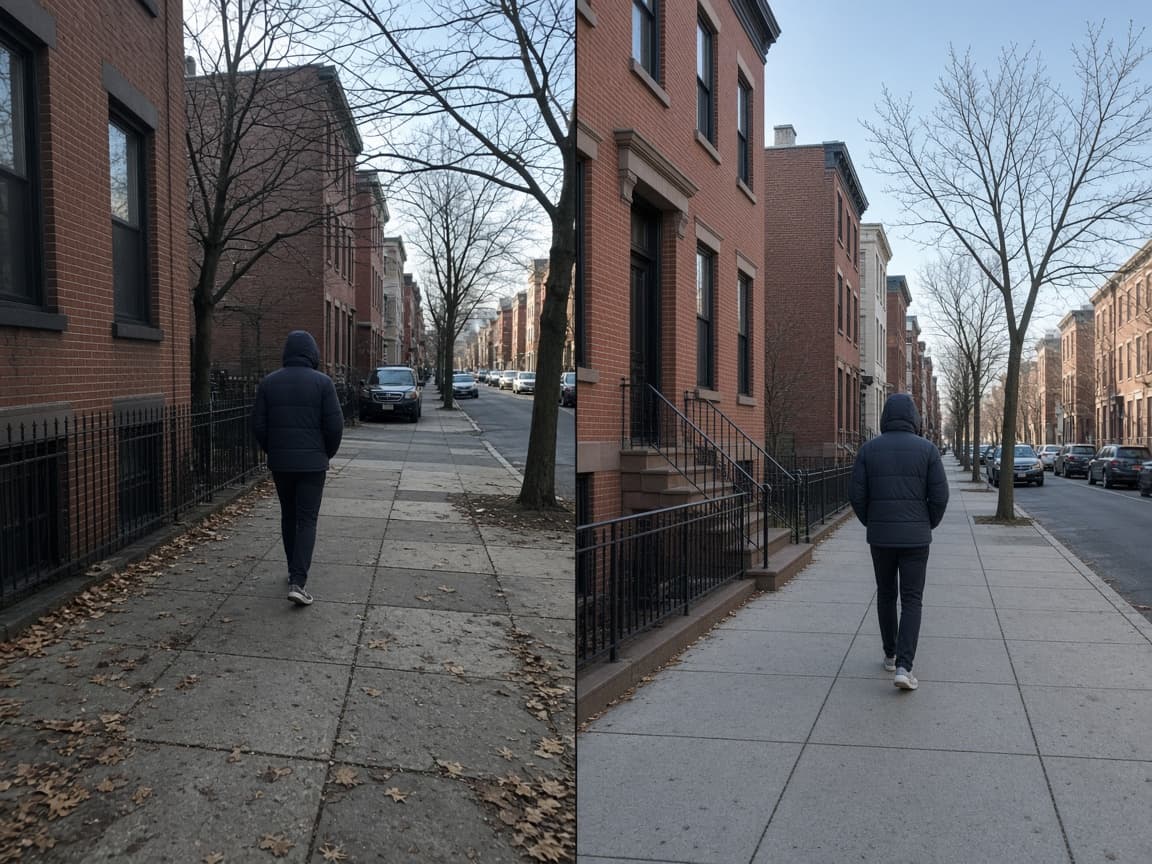
A deepfake detector looks for signs that a face or person in an image was synthesized or heavily altered by AI. While classic deepfakes often mean video face swaps, many users also search this phrase when checking still portraits and identity photos.
Our screening on AImageChecker is built for still images. It can flag AI-generated faces and synthetic portrait patterns, though complex video face-swap cases may need specialized video tooling.
Use it when onboarding users, reviewing profile pictures, or investigating suspected impersonation.
Higher-resolution face images give the engine better signal quality.
The engine reviews facial region consistency and generative texture cues.
A high score should trigger identity verification, not automatic bans without review.
Catch AI faces used in fake profiles before they gain trust.
Support KYC and selfie checks with an extra pass.
Investigate suspicious executive or celebrity portrait claims.
Score images quickly so human reviewers can focus on edge cases.

Common questions about using an AI image checker for photos, art, and synthetic media.
This page analyzes still images. For video face swaps, use a dedicated video workflow.
Yes. Strong beauty filters and compression can change confidence. Use context alongside the score.
Yes. You can run checks on AImageChecker without signup.
No. Use it as a triage signal, then confirm with your identity process.
Synthetic faces are increasingly common in fake accounts, romance scams, and impersonation attempts. A quick check can flag portraits that deserve closer scrutiny before access is granted.
Look for inconsistencies in skin texture, eye reflections, hair edges, and background blending. Generative models often produce faces that are too symmetrical or have subtle artifacts around the ears, teeth, and glasses.
Use the score as a triage signal in your identity workflow. High scores should trigger additional verification steps such as document checks, liveness tests, or manual review. Do not ban users on score alone.