
Viral posts
Disaster photos, celebrity moments, and “wait, is this real?” images spread before anyone checks them. A 30-second score tells you whether to pause before sharing.
Answering “is this AI?”
If you are asking “is this AI generated?” about an image, start here. Run a free check in seconds, then read the visual signs that separate AI images from real photos.
Answering “is this AI?”
Upload a photo and get an AI likelihood score in seconds. No signup.
Drop an image here, or click to upload
PNG, JPEG, or WebP. Paste works too.
Upload an image on the left. Results will show AI likelihood, generator matches, and next steps here.
Built for the moment of doubt: an image is in front of you and you need to know whether AI made it. Check the file now, then dig into the guidance below.
Disaster photos, celebrity moments, and “wait, is this real?” images spread before anyone checks them. A 30-second score tells you whether to pause before sharing.
Dating profiles, marketplace sellers, and new online contacts sometimes use synthetic faces. Checking the portrait early can save weeks of conversation with someone who does not exist.
Too-perfect product photos, rental listings, and delivery evidence deserve a quick pass before you send money or approve a refund.
Editors, moderators, teachers, and hiring teams use a fast check as the first step whenever an image is presented as evidence, a portfolio piece, or a submission.
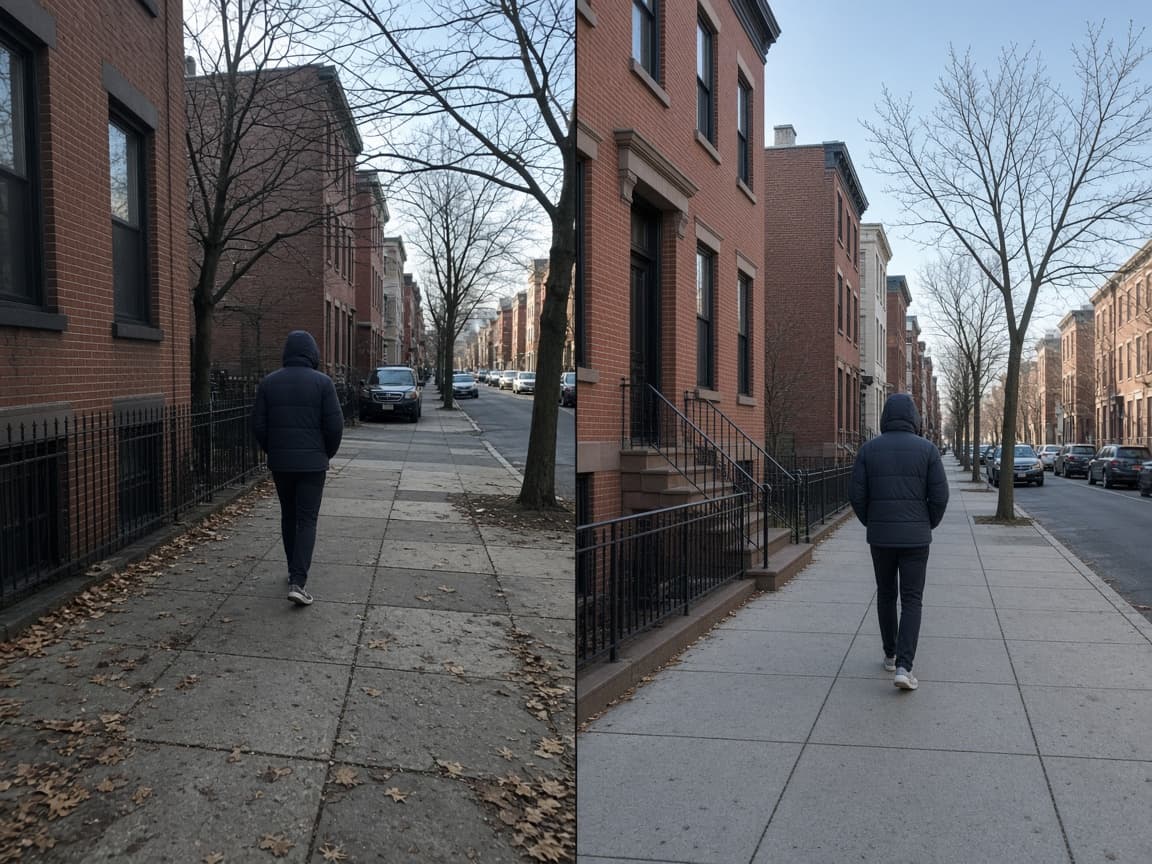
When someone searches “is this AI”, they usually mean one of three things. Either the whole image was generated by a model such as MidJourney, GPT-image, Nano Banana, Flux, or Stable Diffusion; or a real photo was altered with AI editing tools; or a person in the picture may not exist at all. The phrasings “is it AI”, “is this image AI”, and “is this photo AI” all point at the same need: a fast, honest read on where an image came from before you trust it, share it, or pay for it.
This page answers the question in two layers. The upload tool above runs the same detection engine as our AI image detector: you give it a JPG, PNG, or WebP file, and it returns an AI likelihood score with short signal notes in seconds. The guidance below covers the visual signs you can judge yourself, why the question keeps getting harder, and what to do once you have a score.
It helps to separate two questions that often get tangled together. “Is this AI generated?” asks about origin: which process produced the pixels. “Can I trust this image?” asks about context: who shared it, what it claims, and whether anything supports it. A real photo can be misleading, and an AI image can be harmless. The checker answers the first question; the second one still needs a human.
That distinction matters because AI images are now everywhere and mostly benign — concept art, mockups, illustrations, and clearly labeled experiments. The goal of an “is this AI” check is not to condemn synthetic images. It is to make sure that when an image is presented as a real photo, a real person, a real product, or a real event, you can verify that claim before acting on it.
Drop the file into the checker, browse for it, or paste it from your clipboard. The original file gives the clearest read; screenshots work but can soften the signals.
The check reviews texture, noise, edge behavior, and structure for patterns linked to generative models, then produces an AI likelihood percentage.
A high score means strong synthetic cues; a low score looks more camera-like; a mid score means mixed evidence. Pair the result with the source of the image before you decide.

Disaster photos, celebrity moments, and “wait, is this real?” images spread before anyone checks them. A 30-second score tells you whether to pause before sharing.
Dating profiles, marketplace sellers, and new online contacts sometimes use synthetic faces. Checking the portrait early can save weeks of conversation with someone who does not exist.
Too-perfect product photos, rental listings, and delivery evidence deserve a quick pass before you send money or approve a refund.
Editors, moderators, teachers, and hiring teams use a fast check as the first step whenever an image is presented as evidence, a portfolio piece, or a submission.

Generators have learned to imitate the texture of phone photography: sensor-style grain, slight motion blur, imperfect framing, and even simulated low light can be requested in the prompt. The old shortcut of “too clean to be real” is weaker every year, which is exactly why the question “is this AI” now needs more than a glance.
Hybrid pipelines blur the line further. A common workflow starts from a real photo, applies generative fill to remove or add elements, upscales, and finishes with a filter. Only part of the file is synthetic, so scores often land in the middle range. Meanwhile every screenshot, repost, and platform recompression washes out the statistical cues detectors rely on.
The practical consequence: treat any single answer — human or machine — as provisional. A score plus provenance plus context gives you a defensible conclusion. A glance alone no longer does, and neither does a detector score on a twice-compressed thumbnail.
Zoom to full resolution and check the areas generators still find hard. Hands and fingers can merge or gain joints. Teeth and ears may blur into shapes that almost make sense. Glasses produce reflections that do not match the room. Text inside the scene — signs, labels, logos — may look right at a glance but collapse into gibberish when you read it letter by letter.
Then check the physics. Shadows falling in different directions, reflections that show the wrong scene, objects that float or intersect, liquids frozen mid-splash, fabric that behaves like plastic, and backgrounds that dissolve into soft mush are all worth pausing on. Repeated textures — the same brick, leaf, or pattern stamped across a frame — are another common tell.
One caveat: newer models fix many of these artifacts, especially at social-media sizes. The absence of visible artifacts is not proof of authenticity. Treat these signs as reasons to run a scored check, not as a substitute for one.
Camera captures carry a physical fingerprint: sensor noise that stays consistent across the frame, natural motion blur where things move, lens vignetting, and small optical imperfections. Real scenes also tend to be messy in believable ways — cables that tangle, dirt that collects, wear that matches use — and lighting that obeys a single physical source.
Provenance beats pixel inspection when it exists. An original camera file with intact EXIF, Content Credentials (C2PA), a burst of adjacent frames, or a second photo of the same scene from another angle all support a “real” conclusion far more strongly than any single-image score.
Context completes the picture. Does the poster’s history make sense? Do other accounts place the same event at the same time and place? Does the story survive a reverse image search? None of these alone is proof, but together they separate most real images from most fabrications.
Most images you will want to check arrive as screenshots, and screenshots are the hardest case: recompression and cropping erase part of the signal. The check is still worth running, but if the result feels ambiguous, ask the sender for the original file before drawing conclusions.
Synthetic avatars follow a pattern: a brand-new account, a polished face that flatters the profile’s purpose, and rapid engagement with strangers. If a profile picture matters to your decision — dating, hiring, marketplace trades — run the portrait check and read our deepfake detector guidance for face-focused next steps.
For viral images, find the earliest version. Reverse image search surfaces prior appearances, and AI-generated images often trace back to generator galleries, prompt-sharing communities, or AI stock sites. When the earliest copy is a video frame or a camera original from a credible account, you have your answer; when it is a fresh upload with no history, keep digging.
Step one: score the file with the checker above. Step two: verify the source — who posted it first, what else they post, and whether they answer questions about context. Step three: find one independent signal, such as a reverse image search result, a corroborating post, or provenance credentials. Step four: decide, and write down why if the decision affects anyone else.
Teams can turn the same workflow into policy. Auto-accept only when the score is low and the stakes are low. Route mid-range scores to human review, because hybrids and recompression live there. Hold high scores until the source checks out. The detector is the first gate in that pipeline, not the final word.
Re-run checks with current tools when a decision is challenged. Detection improves as generators change, and a score from an older engine is not a permanent label. Keeping the original file — not a screenshot — makes any later re-check meaningful.
Common questions about using an AI image checker for photos, art, and synthetic media.
Upload it to the checker at the top of this page. You will get an AI likelihood score in seconds, free and without an account. Then read the visual signs below to add context to the score.
Both cases can raise the score. Fully generated images tend to score higher; a real photo with generative fill or heavy AI enhancement can also score high. The score tells you that AI was involved somewhere in the pipeline, not exactly where.
Not necessarily. Studio lighting, retouching, and good equipment also produce clean images. Perfection is a reason to look closer, not proof on its own — which is why a scored check plus source context beats eyeballing.
Yes. Strong beauty filters, aggressive HDR, heavy compression, screenshots of screenshots, and AI-assisted phone processing can all push a genuine photo toward the synthetic end. Treat a high score as a prompt to verify the source, not as a verdict.
Sometimes. Newer generators produce fewer obvious artifacts, and social platforms recompress images until cues fade. No detector catches everything, so keep the score as one input alongside provenance and context.
If the image is a face-forward portrait, the same check applies and is tuned to flag synthetic faces and portrait patterns. For identity decisions, continue on our deepfake detector page for face-focused guidance.
Yes. Standard checks on AImageChecker are free and require no signup. Fair-use rate limits apply to prevent abuse, but a typical personal check is unaffected.
JPG, PNG, and WebP images are supported. If you only have a screenshot, upload the largest, least compressed version you can find.
Do not rely on the score alone. Ask the sender for the original file, run a reverse image search to see where it first appeared, and look for corroborating sources. For money or safety decisions, escalate to a human reviewer.
Because the question comes first and the tool category second. Most people standing in front of a suspicious image type the question they have — “is this AI”, “is it AI generated”, “is this image AI” — and this page exists to answer that exact moment with both a tool and an explanation.
A high score changes what you should do next; it does not decide the case by itself. For everyday sharing, treat it as a pause button: check where the image came from, whether anyone credible corroborates it, and whether the poster answers simple questions about context before you amplify it.
For decisions with consequences — purchases, refunds, hiring, moderation, journalism — pair the score with at least one independent signal. Ask for the original camera file, look for Content Credentials or other provenance records, run a reverse image search, or request a different angle of the same scene. One supporting signal turns “the detector flagged it” into a decision you can defend.
And when the score is low, remember what it does not mean: it does not certify that the image is authentic, only that it does not show strong generative cues. Context still decides. If the story around a clean-scoring image does not add up, the story is still the problem.