
Marketplace safety
Screen product and delivery photos before refunds or listings go live.
Photo authenticity
Use this tool when a camera-style picture looks suspiciously perfect or too clean.
Photo authenticity
Upload a photo and get an AI likelihood score in seconds. No signup.
Drop an image here, or click to upload
PNG, JPEG, or WebP. Paste works too.
Upload an image on the left. Results will show AI likelihood and supporting signals here.
Focused on realistic photography use cases, from marketplaces to social feeds.
Screen product and delivery photos before refunds or listings go live.
Spot synthetic faces used in fake accounts with a quick pass.
Verify camera-style news imagery before publishing.
Check a viral social photo before you repost it as real.
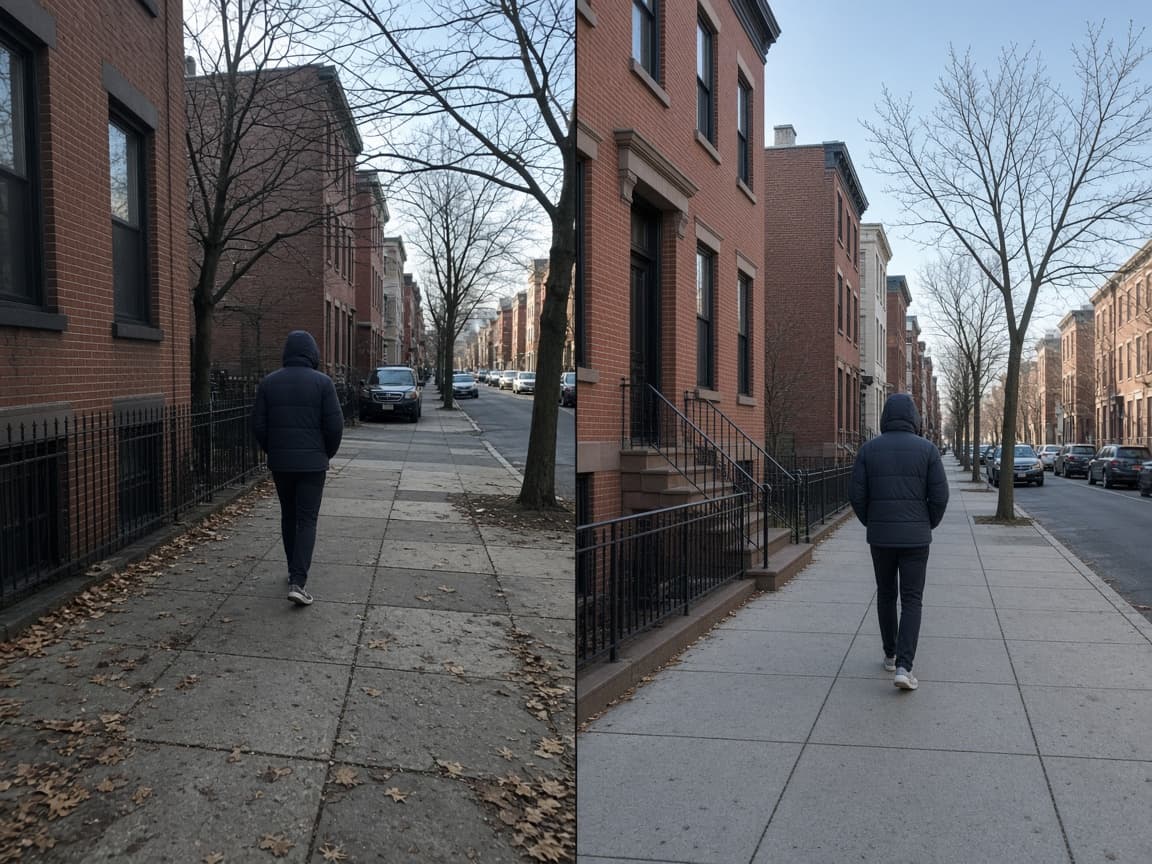
An AI photo detector helps you decide if a camera-looking image was actually captured by a lens or synthesized by a model. Many AI outputs now imitate phone photography, so it is useful when visual inspection alone is not enough.
Editors, sellers, and moderators use it to review customer uploads, profile photos, and product shots before they approve content. A quick pass can catch synthetic pictures before they spread.
AImageChecker includes a free flow that shares the same core engine as our main checker, tuned for photographic framing.
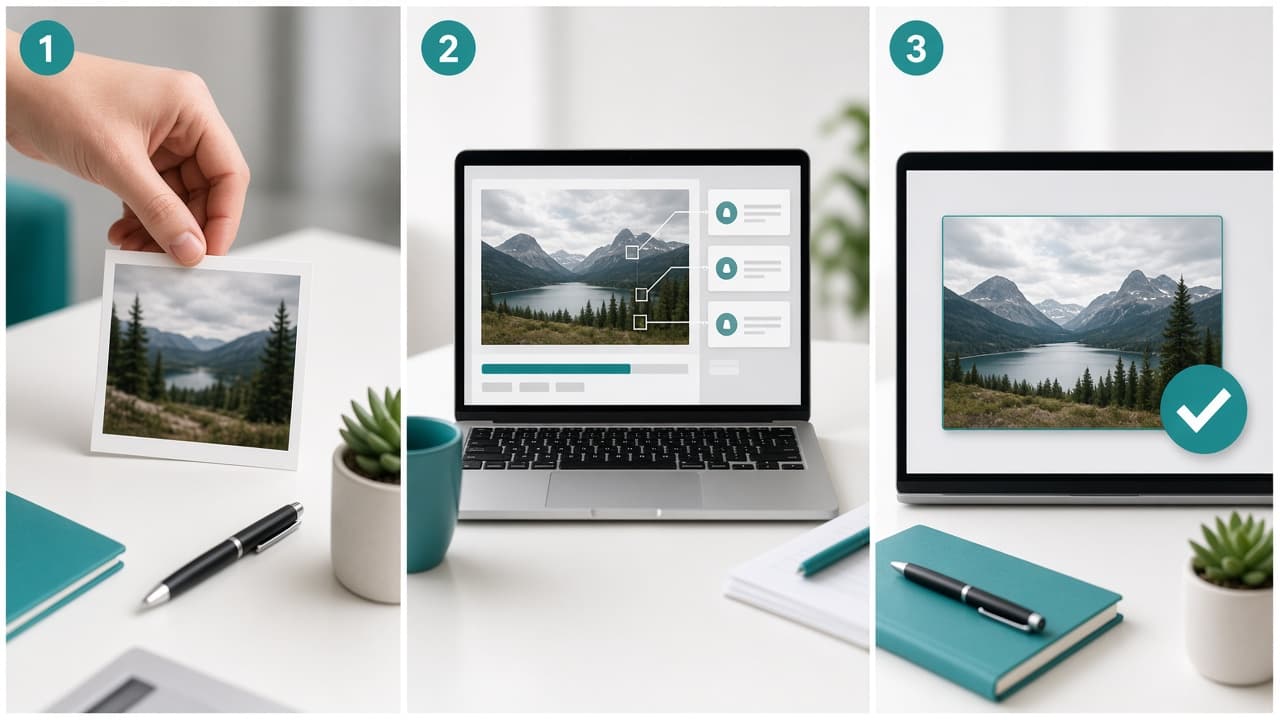
Upload the JPG or PNG you want to review.
The engine looks at noise, edge behavior, and lighting consistency typical of generative photos.
Use the AI likelihood result to decide if the photo needs a human follow-up.
Screen product and delivery photos before refunds or listings go live.
Spot synthetic faces used in fake accounts with a quick pass.
Verify camera-style news imagery before publishing.
Check a viral social photo before you repost it as real.

Common questions about using an AI image checker for photos, art, and synthetic media.
Yes in framing. This targets camera-like realism, while the art detector is better for illustrations and stylized work.
It can analyze screenshots, but heavy recompression may lower confidence.
No. It is free to use without signup.
Most checks finish in a few seconds after upload.
Camera-style images are the most common place people need a quick check. Product listings, delivery proof, rental photos, and dating profiles all benefit from a fast pass before trust is extended.
Real photos carry natural noise, lens imperfections, and lighting inconsistencies. Generative models often produce images that are too clean, too symmetrical, or too evenly lit. This tool looks for those statistical differences in the pixel data.
For high-volume workflows, run the check as a first filter, then route borderline cases to human reviewers. The goal is speed without pretending the score is absolute proof.