
Fast first pass
Get a usable result in seconds instead of waiting on a slow desktop workflow.
Detector-focused checks
Run a free check in seconds. Upload any photo and see if AI generation signals show up.

Detector-focused checks
Upload a photo and get an AI likelihood score in seconds. No signup.
Drop an image here, or click to upload
PNG, JPEG, or WebP. Paste works too.
Upload an image on the left. Results will show AI likelihood and supporting signals here.
Built for quick verification when you need a clear read on synthetic visuals.
Get a usable result in seconds instead of waiting on a slow desktop workflow.
Open the page, upload, and check. The tool stays available without an account.
Images are processed for analysis and are not kept as a public gallery or training dump.
Useful for images that may come from Midjourney, DALL·E, Flux, Stable Diffusion, Imagen, or Firefly.
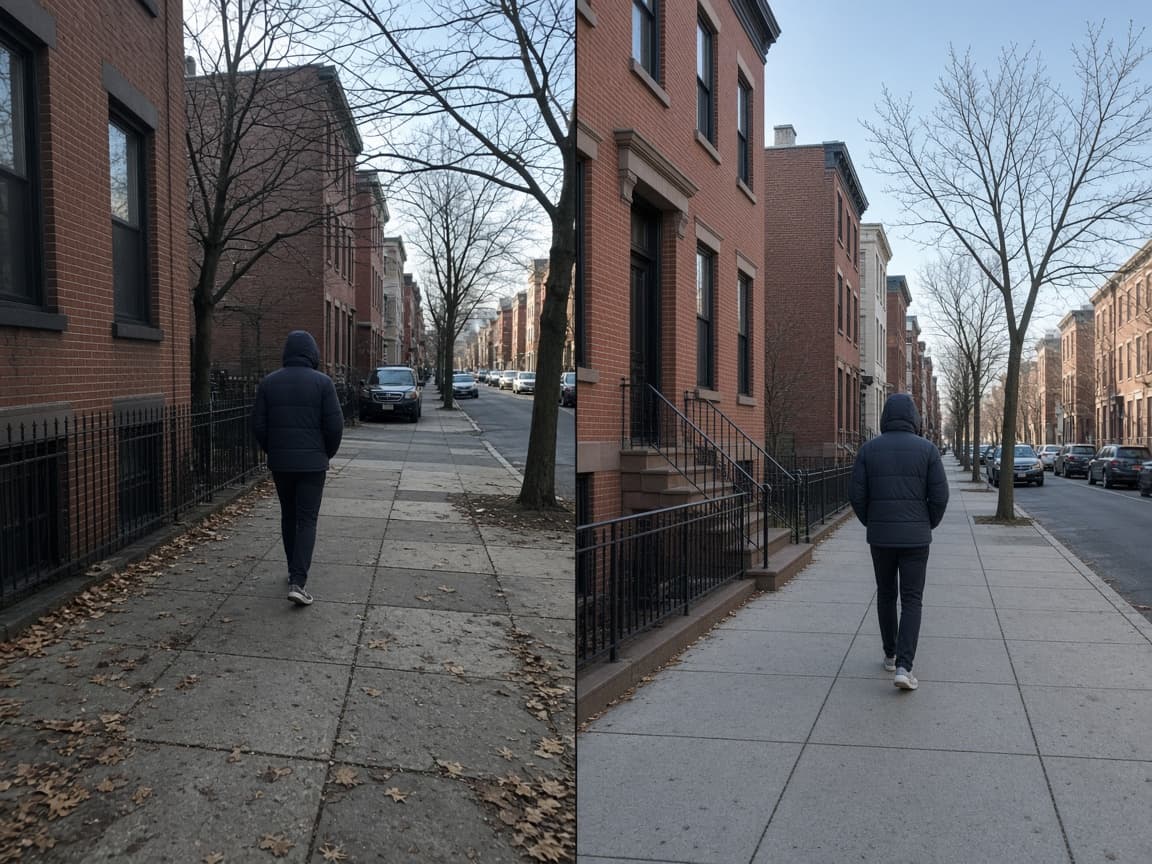
An AI image detector is a tool that estimates whether a picture was created or heavily shaped by generative models. Unlike a reverse image search, it looks at visual patterns inside the file rather than matching it to a known source online.
People use it when a listing photo looks too perfect, a profile picture feels synthetic, or a news image needs a second opinion. Modern generators leave subtle cues in texture, lighting, and noise that can be scored even when the human eye is unsure.
Our tool on AImageChecker is free to try, works in the browser, and does not ask you to create an account before you check an image.
Drop a JPG, PNG, or WebP into the upload box, or paste an image from your clipboard.
The engine reviews texture regularity, noise behavior, and structural cues linked to generative models.
You get an AI likelihood score plus short notes so you can decide whether deeper review is needed.

Get a usable result in seconds instead of waiting on a slow desktop workflow.
Open the page, upload, and check. The tool stays available without an account.
Images are processed for analysis and are not kept as a public gallery or training dump.
Useful for images that may come from Midjourney, DALL·E, Flux, Stable Diffusion, Imagen, or Firefly.

Common questions about using an AI image checker for photos, art, and synthetic media.
Yes. You can use it on AImageChecker without creating an account.
JPG, PNG, and WebP are supported.
Yes. Heavy compression, strong filters, or hybrid edits can reduce certainty. Treat the score as guidance, not a court ruling.
No. It can score images even when EXIF data is missing or stripped.
Reach for this tool when a listing photo looks too polished, a profile picture feels synthetic, or a news image needs a second opinion before publication. A fast score helps you decide whether to approve, reject, or escalate the file for deeper review.
Marketplace and trust teams use it to screen product shots, delivery proof, and refund evidence. Journalists run it before publishing viral imagery. Educators use it to review student submissions. Everyday users check social posts before sharing them as real.
The score is a triage signal, not a final verdict. Heavy compression, strong filters, or hybrid edits can shift the result. Pair the output with source verification, reverse search when relevant, and human judgment for high-stakes decisions.