
Confirmation flow for suspected files
You arrive here already suspicious, and this page is built for confirmation rather than education — upload, score, then decide against the source context you already have.
Synthetic origin checks
Identify synthetic visuals with a free tool designed for clear, fast results.
Last updated:
Synthetic origin checks
Upload a photo and get an AI likelihood score in seconds. No signup.
Drop an image here, or click to upload
PNG, JPEG, or WebP. Paste works too.
Upload an image on the left. Results will show AI likelihood, generator matches, and next steps here.
This page targets people who already suspect an image is synthetic and want confirmation.
You arrive here already suspicious, and this page is built for confirmation rather than education — upload, score, then decide against the source context you already have.
Reads artifact families rather than model fingerprints, so Midjourney, DALL·E, Flux, SDXL, Firefly, Recraft, and Imagen output are all scored on the same basis and newer models do not slip past unchecked.
Most files arrive stripped. Detection reads pixel-level statistical structure, so a missing EXIF block or removed watermark does not make the file unanalysable — it only makes separate provenance checks unavailable.
Faces go to the deepfake detector, camera-style realism to the AI photo detector, and illustration to the AI art detector. Same engine underneath, guidance that matches the specific case in front of you.
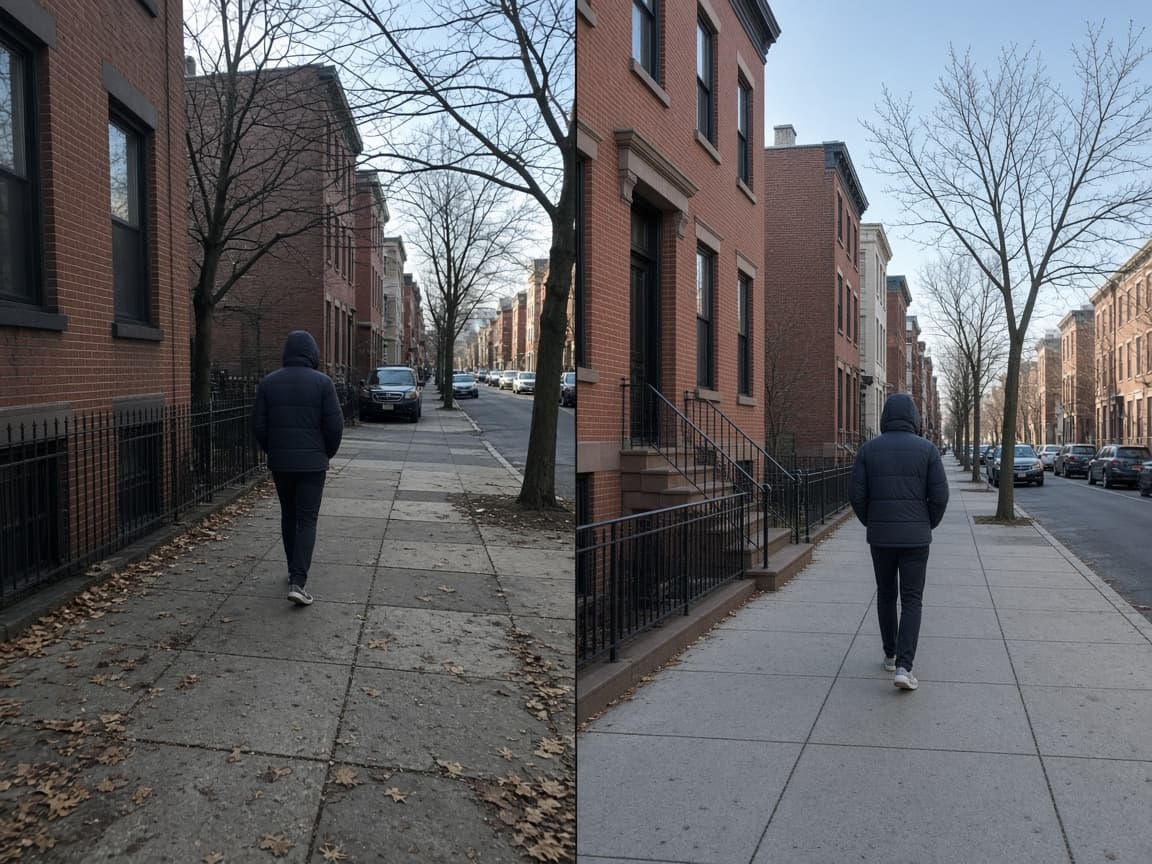
An AI generated image detector estimates whether a file was produced by a generative model rather than a camera or traditional digital art process. Searchers use the long-tail phrase when they want that exact outcome.
The tool on AImageChecker looks for statistical and structural cues left by popular generators. It does not depend on watermarks alone, because many files are stripped before sharing.
If you need a shorter label, the same product also appears as our main checker and detector pages, all connected in the site tree.
Upload the file you want to evaluate.
The engine returns a percentage-style likelihood with supporting notes.
Pair the score with who sent the image and whether an original camera file exists.

You already suspect the image is synthetic — this flow is tuned to confirm or challenge that read in seconds.
Helpful for Midjourney, DALL·E, Flux, Stable Diffusion, Imagen, and Firefly outputs.
Start checking immediately with the free tool.
When your case is more specific — faces, artwork, camera-style photos — the related pages pick up where this one ends.

Common questions about using an AI image checker for photos, art, and synthetic media.
A high score means the file shows stronger synthetic cues. Always consider context.
Yes. Aggressive AI enhance tools can raise the score even when a camera capture was the starting point.
Yes. No signup is required for standard checks.
Not currently. The public page is optimized for single-image checks and there is no bulk or API tier at this time. For higher volume you would need to run checks one at a time within the daily limit.
This page targets the exact phrase people type when they already suspect an image is synthetic. The goal is confirmation, not education. Upload the file and get a clear likelihood score.
Generative models leave statistical fingerprints in texture, color distribution, and edge behavior. Even when metadata is stripped, these pixel-level cues can reveal whether an image was produced by a model rather than a camera.
Use the result alongside provenance checks. Ask for the original file, check for Content Credentials, or run a reverse image search. The score is one piece of evidence in a larger verification process.