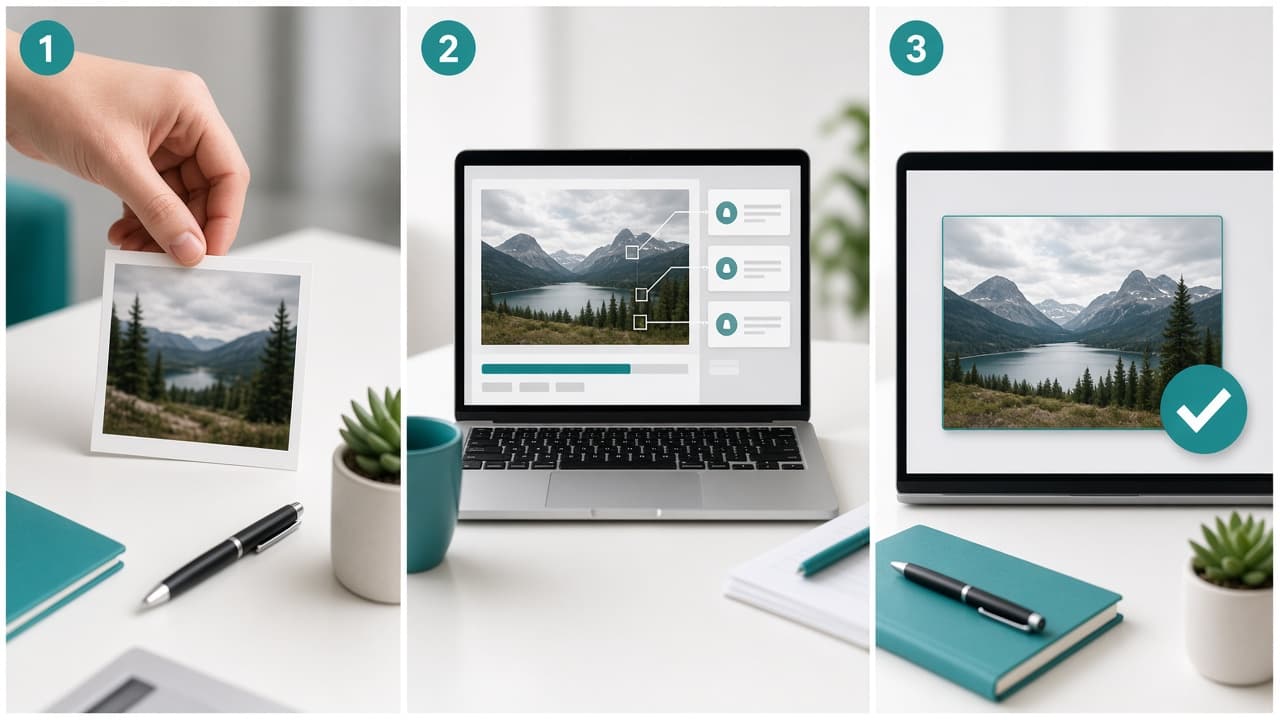
Detect major generators
Review outputs that may come from Midjourney, DALL·E, Flux, Stable Diffusion, Imagen, or Firefly before you trust them.
aimagechecker.com
Upload any photo to our free AI image checker and see if it looks AI-generated. Fast results for MidJourney, GPT-image, Nano Banana, Seedream, Flux, Stable Diffusion, Firefly, Recraft, and more.
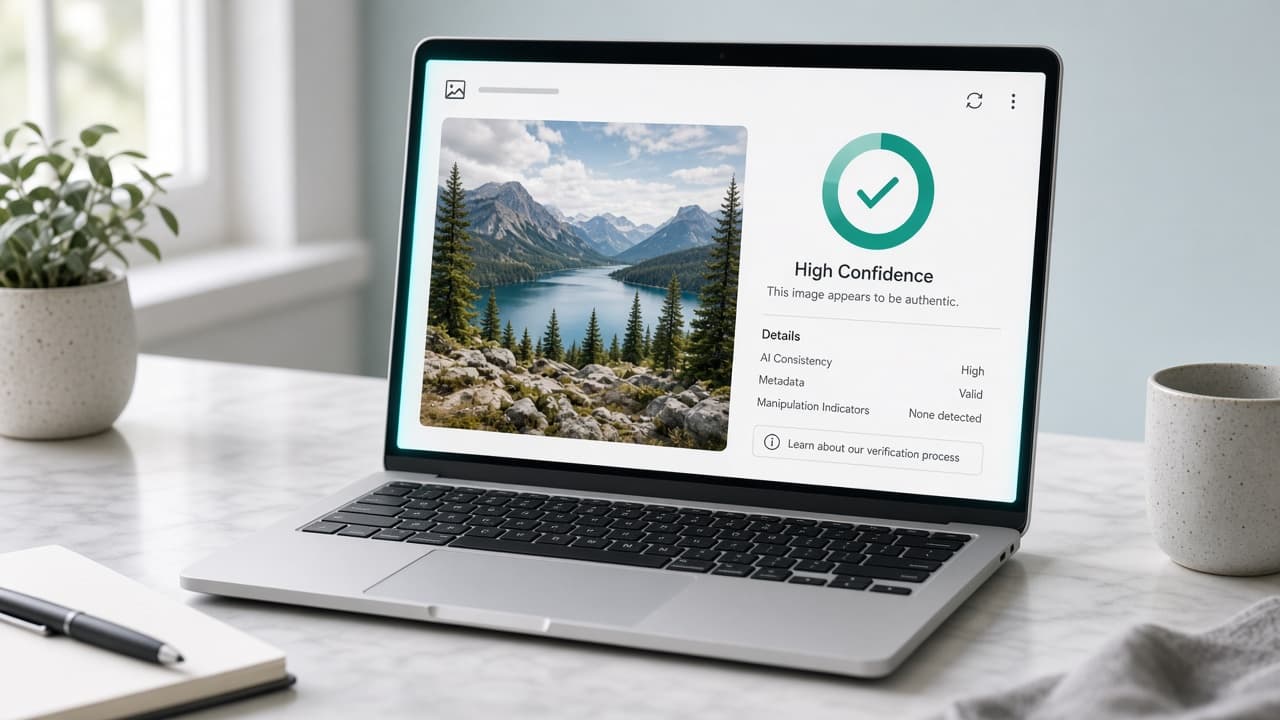
Free online tool
Upload a JPG, PNG, or WebP. Get an AI likelihood score in seconds. No signup.
Drop an image here, or click to upload
PNG, JPEG, or WebP. Paste works too.
Upload an image on the left. Results will show AI likelihood and supporting signals here.
AImageChecker is an AI image checker built for one job: help you decide whether an image looks AI-generated before you trust, publish, or approve it.
Review outputs that may come from Midjourney, DALL·E, Flux, Stable Diffusion, Imagen, or Firefly before you trust them.
Upload once and get an AI likelihood score fast enough for editorial, marketplace, and everyday checks.
Sessions are built for quick verification. Images are analyzed for the check, not published as a gallery.
Open the tool, drop a file, and read the result without creating an account first.
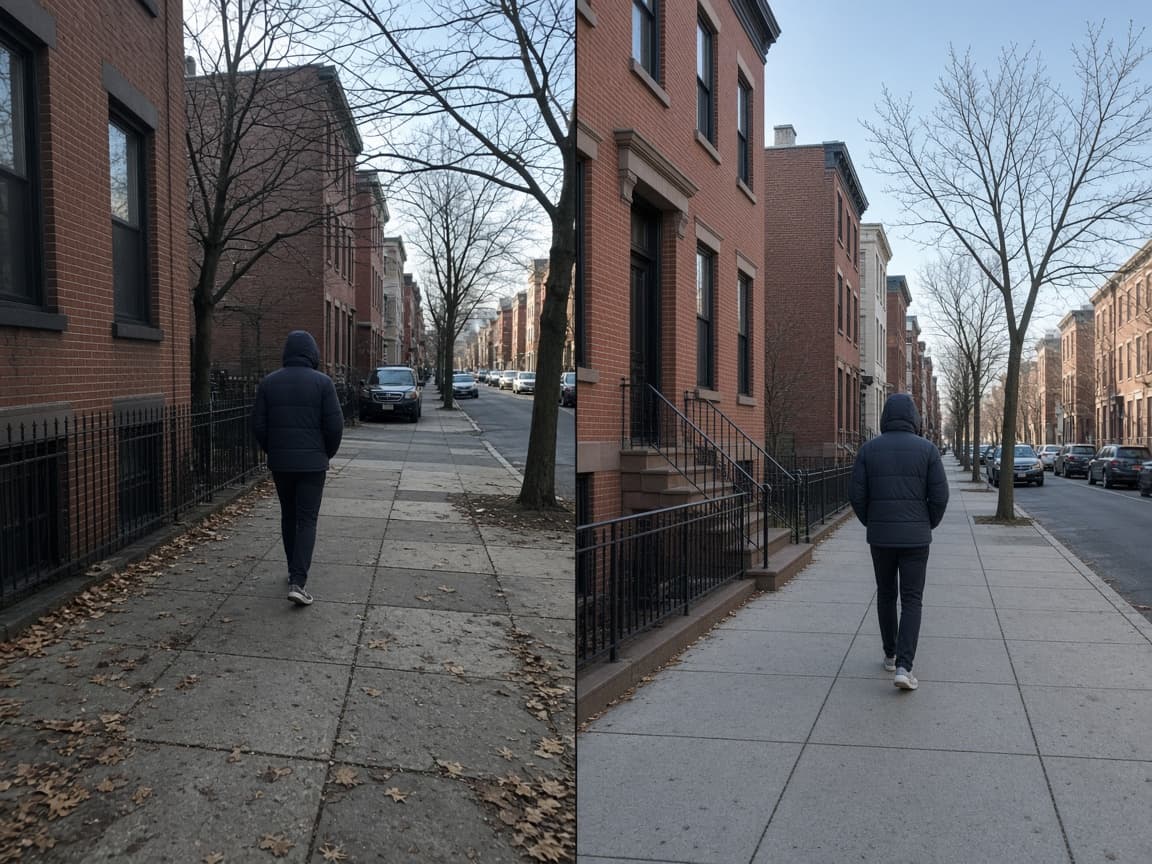
An AI image checker is an online tool that estimates whether a picture was created or heavily shaped by generative models. Instead of matching the file to a known web copy, it studies visual patterns inside the image itself.
People reach for this kind of tool when a product photo looks too perfect, a profile picture feels synthetic, or a social post needs verification before sharing. Modern generators such as Midjourney, DALL·E, Flux, and Stable Diffusion can fool a quick glance, which is why a scored second opinion helps.
AImageChecker is designed for that exact job. Upload a JPG, PNG, or WebP, wait a few seconds, and review an AI likelihood score with supporting signals. No account is required to run a standard check.
Automated scoring will not replace source verification or human judgment. It is a fast triage layer that helps journalists, marketplace teams, educators, and everyday users decide which images deserve deeper review.
No install. No signup. The AI image checker upload panel is ready as soon as the page loads.
Drop a photo into the upload panel, click to browse, or paste from your clipboard. JPG, PNG, and WebP are supported.
The system reviews texture smoothness, color uniformity, edge behavior, and other signals linked to AI generation.
In seconds you see whether the file looks likely AI-generated, uncertain, or closer to a camera / human-made capture.
There are many detectors online. This site focuses on speed, clarity, and a clean page structure so every related keyword still leads to a useful tool.
If you searched for an AI image checker, you want a working upload tool first. AImageChecker puts the checker above long explanations.
Every result includes an AI likelihood percentage plus signal notes so you can see what drove the estimate.
Need an AI photo detector, AI art detector, or deepfake detector angle? Jump through related pages without losing the main workflow.
Standard single-image checks do not force signup before you can test a suspicious file.

Common questions about detecting AI-generated photos, art, and synthetic media online.
Yes. Standard single-image checks on AImageChecker are free and do not require signup before you upload and get a score.
The tool analyzes visual signals such as texture smoothness, color uniformity, edge regularity, and file payload patterns that often appear in AI-generated images.
It is useful for images that may come from Midjourney, DALL·E, Flux, Stable Diffusion, Imagen, Firefly, and similar generative tools. Results are estimates, not guarantees.
It can flag synthetic faces and AI-looking portraits in still images. Complex video face-swap cases may need specialized video tooling. See our deepfake detector page for face-focused guidance.
Images are processed for analysis in your session. We do not turn uploads into a public gallery or sell them as a training set.
Accuracy varies with compression, cropping, and hybrid edits. Treat the score as a fast triage signal and confirm important cases with source verification.
Run a check before you approve marketplace photos, publish news imagery, grade digital assignments, or trust a viral social post. A free upload tool is especially useful when the sender cannot provide an original camera file and the picture still needs a decision today.
Profile reviews are another common use case. Synthetic faces show up in fake accounts. A quick pass will not prove identity by itself, but it can push suspicious portraits into a deeper verification queue.
If your question is narrower, open a dedicated page such as the AI photo detector, AI art detector, AI picture detector, or deepfake detector. Each page keeps the same engine while matching a more specific search intent.
Remember that every score is an estimate. Heavy filters, screenshots, and hybrid edits can move the result. Pair the output with provenance checks, reverse search when relevant, and human review for high-stakes cases.
AImageChecker is a practical AI image checker for everyday and professional triage. Start on the homepage upload panel, then browse the keyword tree when you need a different framing of the same problem: how to detect AI generated images with speed and clarity.
Ready to verify a file? Scroll back to the AI image checker, upload your image, and read the AI likelihood score in seconds.